
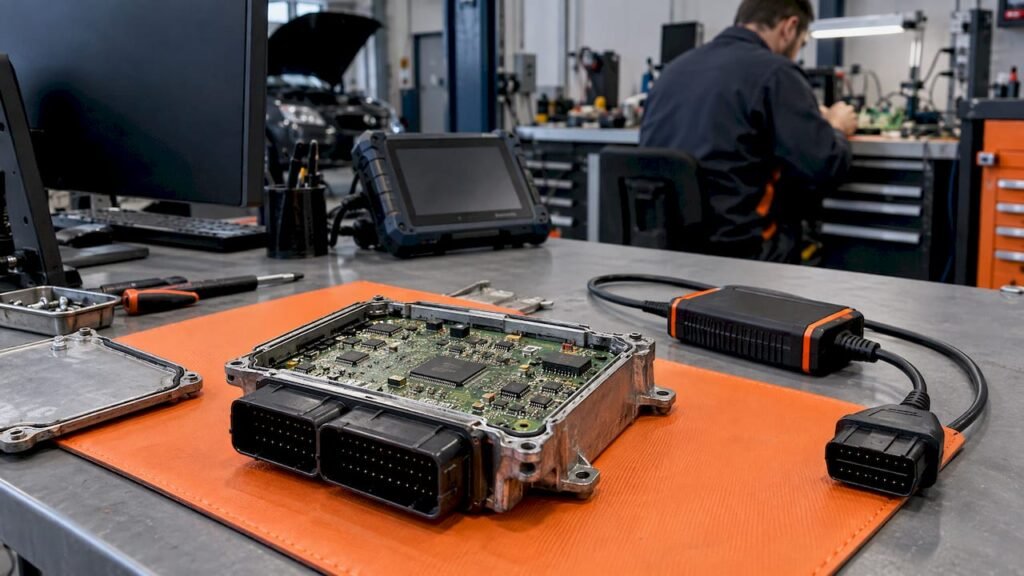
An engine-specific calibration file is matched to the ECU, not to the engine name alone. The engine, model year, drive configuration and options narrow the field, but the hardware number, software number and calibration ID read from your own ECU decide which original file is the right one. If you need an unmodified stock reference for a repair, replacement or restoration, search by those identifiers and compare every one before you buy. Our catalog of original ECU files is searchable by brand, model, engine variant, ECU manufacturer, HW, SW and calibration ID, and each file costs €19.99.
TL;DR
- Software is the code; calibration is the parameter data that adapts it to an engine and vehicle. A file for your engine is only correct if its identifiers match your ECU.
- Match HW number, SW number and calibration ID against your own read, never against the vehicle name or the engine code alone.
- A full read and a flash-only read are different things. File size, memory layout and checksum requirements vary by ECU family, software version and tool.
- Verify the identifiers before and after any write, and keep the original read as your fallback.
- We sell unmodified stock files in .bin format, at €19.99 per file. We do not sell tuned maps or programming services.
Table of Contents
- What “calibration file by engine” actually means
- Why the engine name is not enough
- The identifiers that decide the match
- Full read or flash-only read: know what you have
- A practical matching routine
- Checks before and after writing
- When a file will not open or the ECU rejects it
- Emissions and legal context in the US
- Where our files fit
- FAQ
- Sources
What “calibration file by engine” actually means
Two terms get mixed up. ECU software is the code, the algorithm that runs the engine. It is written once and reused across many vehicle variants. Calibration is the set of parameter values that tunes that code for a specific engine, vehicle and market, and a modern powertrain ECU can carry thousands to tens of thousands of them. AUTOXIUM’s explanation puts it simply: the code stays the same, only the data changes.
Intrepid’s documentation describes CAL files as sets of calibrations stored in a single file, often in flash memory, mainly in powertrain ECUs.
That is why “the file for a 2.0 diesel” is not one file. The same engine family can ship with several ECU hardware revisions, several software versions and several calibrations, depending on model, year, market, transmission and options.
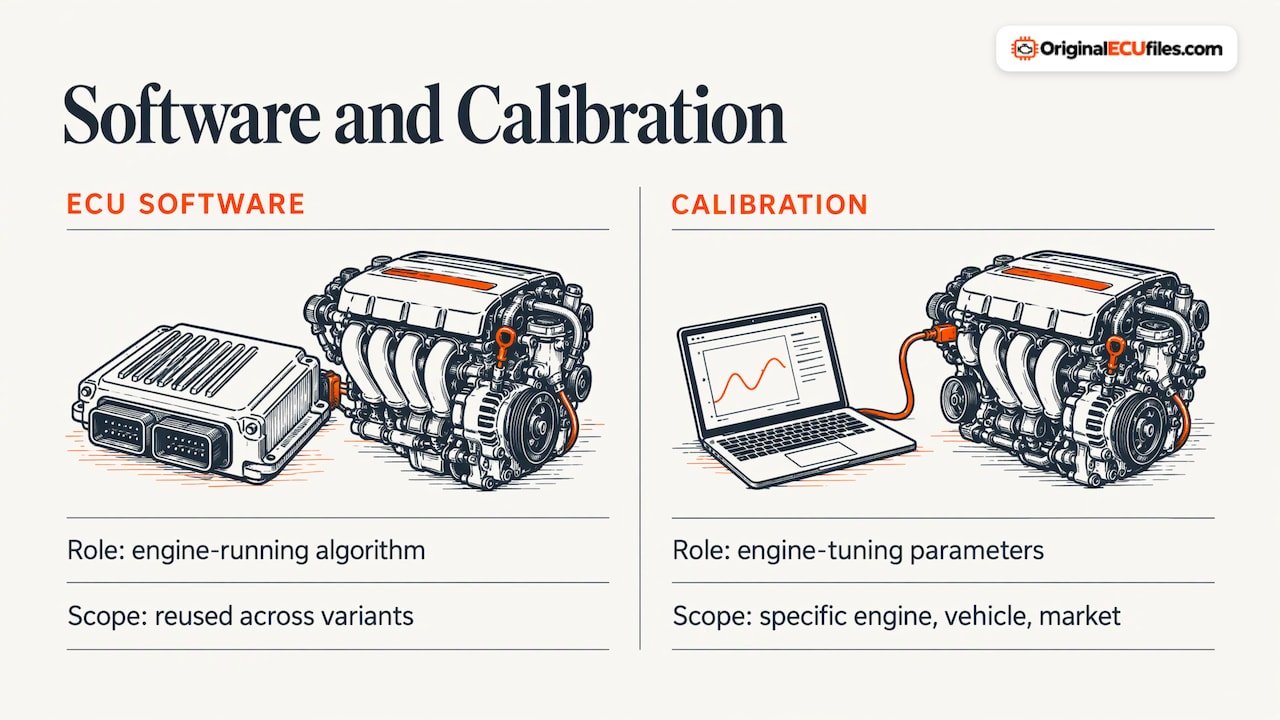
The engine calibration process, meanwhile, is the dyno and test-cell work of defining those values. MathWorks describes it as designing tests, collecting data, analyzing it and calibrating lookup tables to balance performance, emissions and fuel economy. That is the manufacturer’s job. Your job as a repair or restoration technician is narrower: get back the original software and calibration that belong to a specific ECU.
Why the engine name is not enough
OEM documentation shows how fine the matching gets. A Toyota technical instruction for the 2015 Tundra and Sequoia includes a cross-reference table of calibration IDs mapped to model, year, engine (3UR-FE or 3UR-FBE), drive type and towing option. Same engine family, different calibration IDs depending on configuration.
Treat that as an illustration of the principle, not a rule for every brand. Other manufacturers organize their calibration identifiers differently, so always work from what your own ECU reports.
The identifiers that decide the match
| Identifier | What it tells you | Where to get it |
|---|---|---|
| Hardware number (HW) | The ECU board revision | ECU label and the read/identification data |
| Software number (SW) | The software version loaded | Identification data from your tool |
| Calibration ID | The calibration set within that software | Identification data from your tool |
| ECU manufacturer and type | The family, which drives memory layout | Label and tool identification |
| VIN | The vehicle the ECU belongs to | Vehicle, and OBD-II Mode $09 |
On OBD-II vehicles in the US, Mode $09 exposes the VIN, the calibration ID (CALID) and the calibration verification number (CVN). The CVN is a checksum of the calibration on the module, and some OEMs note it changes when parameters such as fuel and spark maps are altered. That makes it useful for confirming what is actually in the module.
Two points about these numbers:
- Compare every identifier available to you with the ones on the file listing. A match on the HW number with a different SW number is not a match.
- Do not rely on a filename. Ford’s Module Reprogramming job aid notes that a PCM filename cannot verify an unauthorized calibration, because a non-factory calibration can carry a factory filename.
Full read or flash-only read: know what you have
This distinction decides whether a stock file can serve your job.
- Full read: a read of the ECU’s memory regions the tool can access for that family, which may include flash, EEPROM or other areas, depending on the ECU and the method.
- Flash-only read: just the program flash region. It carries software and calibration but not necessarily the data stored elsewhere.
Which regions exist, how big the file is, how it is laid out and which checksums apply vary by ECU family, software version and tool. There is no universal procedure, so do not assume that a file with the right identifiers will write back the same way on a different tool or read method. Check the file listing, check what your tool reads for that ECU, and follow your tool’s documentation for the procedure.
The files we supply are original, unmodified stock files in .bin format. We do not claim DAMOS or A2L files come with them.
A practical matching routine
- Read the ECU first. Record HW, SW, calibration ID, ECU type and, where relevant, the VIN. Save the untouched original read before anything else.
- Note the read type. Was it a full read or flash-only? Note the tool and method used.
- Search by identifier. Start with the HW number, then narrow with SW and calibration ID. Use brand, model and engine variant to cross-check, not as the primary key. Our ECU type listing groups files by Bosch, Delphi and Denso families, and brand pages such as Ford, Toyota, GM and MAN let you browse by manufacturer.
- Compare every identifier. HW, SW and calibration ID on the listing against your read. Walk away from partial matches.
- Check size and structure. Compare the file against what your tool expects for that ECU family.
- Write only with a stable setup. Follow your tool’s procedure for the family, and confirm identifiers after the write.
Checks before and after writing
OEM reprogramming bulletins show a disciplined pattern worth borrowing for any write. Toyota’s Corolla reprogramming bulletin calls for a health check for stored DTCs and confirmation of the current calibration ID before the reflash, with a verified power supply (fully charged battery or a 120 V supply, a good cable, voltage maintained throughout). Afterward: a verification health check, clearing DTCs set during the flash, a re-check, and confirmation of the new calibration ID.
Mazda’s calibration file note adds checking the current PCM file name first, updating the tool before downloading, and, after reprogramming, comparing before and after software versions and confirming no MIL or abnormal warning lights at engine start.
These are manufacturer procedures for specific vehicles. Use them as a model for what to verify, not as a universal procedure for your ECU.
When a file will not open or the ECU rejects it
Most rejections trace back to a mismatch. Work through these in order:
- Identifiers. Re-read HW, SW and calibration ID from the ECU and compare them to the file. A neighboring revision is the usual cause.
- Read type. A flash-only file offered to a tool that expects a full image, or the reverse, will fail or misbehave.
- File size and layout. Compare size against what the tool expects for that family. A size difference points to a different read scope or a different memory map.
- Checksums. Requirements depend on the family and software version, and some tools correct them while others do not. Check how your tool handles them.
- Tool and setup. Update the tool, confirm the cable and a stable supply, and confirm the tool supports that ECU.
- Vehicle configuration. When replacing a module, Ford’s job aid explains that software and calibration are loaded separately from vehicle-specific configuration data, which is carried over from the original module. A correct file does not replace that step.
If an ECU runs after a write but the engine shows poor performance, drivability concerns, increased emissions or smoke, check the loaded calibration against the expected one. GM’s bulletin 20-NA-090 lists exactly those symptoms for non-factory calibrations, so confirming the calibration ID and CVN is a sound first step before chasing hardware faults.
Emissions and legal context in the US
Original stock software returns an ECU to its released calibration. Non-factory calibrations are a different matter: GM states that altering its released calibration stresses components in ways it has not tested, and that, depending on state statutes, installing calibrations that put a vehicle outside its emissions certification can lead to fines or penalties. Check the rules for your state and your customer’s vehicle.
Where our files fit
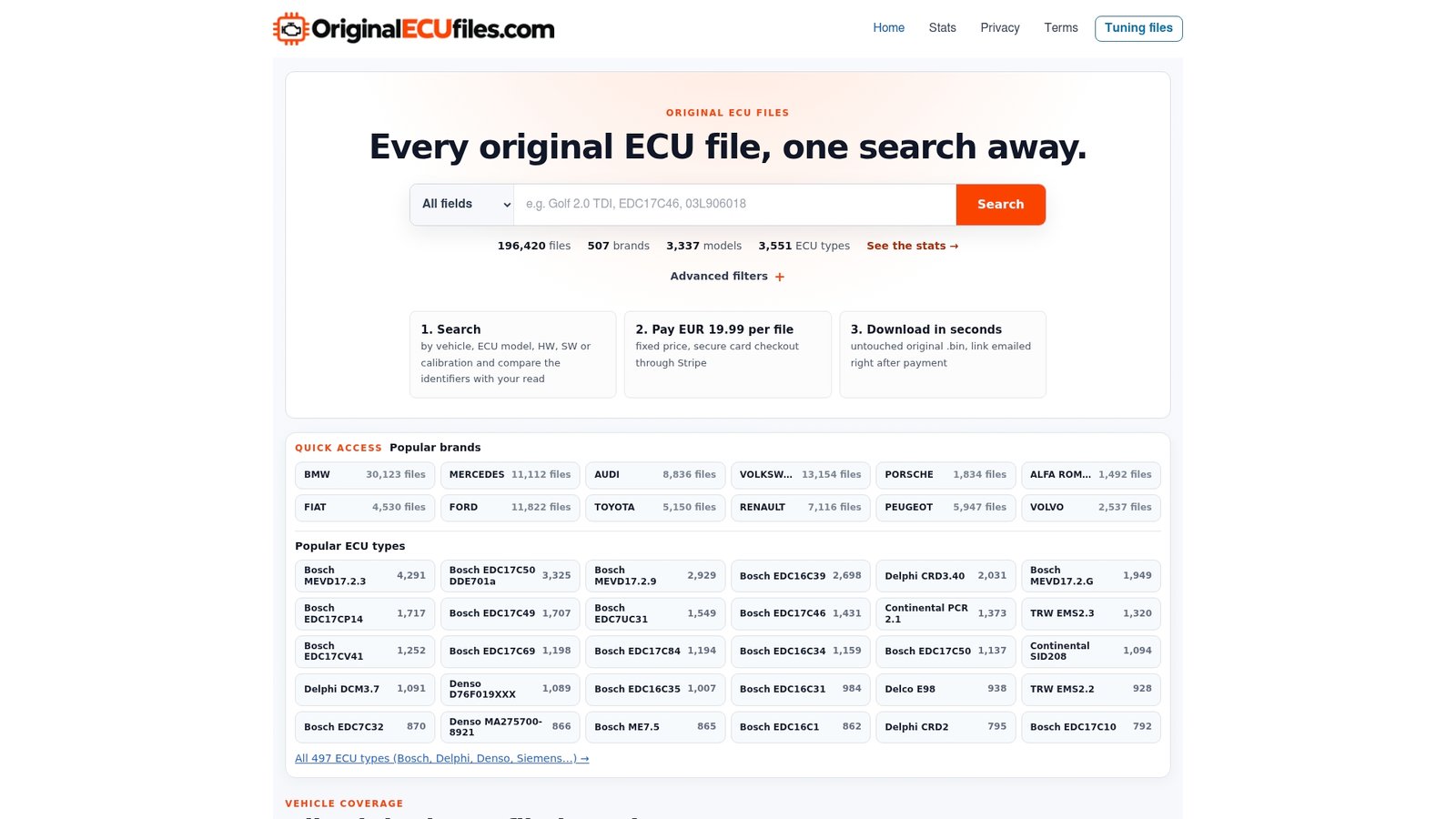
Original ECU Files supplies unmodified stock ECU software in .bin format for repair, software restoration, ECU replacement and diagnostics reference work. The catalog holds over 196,000 original files across more than 500 vehicle brands, including passenger cars, commercial vehicles, motorcycles and agricultural machinery. You can search by brand, model, engine variant, ECU manufacturer, ECU type, HW number, SW number and calibration ID.
Every file is €19.99, paid through secure Stripe checkout, and the download link is emailed automatically after Stripe confirms payment. Always verify hardware, software and calibration identifiers before purchasing. To start, search the catalog.
We supply stock files only. We are not a tuning, programming or diagnostic support service, and we are not a vehicle manufacturer.
FAQ
Is a calibration file the same as ECU software?
Not quite. Software is the code, and calibration is the parameter data that adapts it to an engine and vehicle. In practice they are often stored together in one image, which is why a stock .bin file carries both.
Can I choose a file by engine code alone?
No. One engine code can sit behind several ECU hardware revisions, software versions and calibrations. Use the engine to narrow the search, then compare HW, SW and calibration ID with your own ECU read.
Does a full read differ from a flash-only read?
Yes. A flash-only read covers the program flash, while a full read may include other memory areas, depending on the ECU and tool. Size, layout and checksums vary by ECU family, software version and tool.
How do I confirm the calibration after writing?
Re-read the identification data and compare the calibration ID against the expected value. On OBD-II vehicles, Mode $09 also reports the CALID and CVN. Then clear and re-check DTCs, and confirm there is no MIL at engine start.
Sources
- How ECU Calibration Works, AUTOXIUM
- CAL Files and DIDs, VSpy 3 Documentation
- ECU Calibration, MATLAB & Simulink
- Toyota technical instructions MC-10197431-9999
- ECM and PCM Calibration Numbers, Tomorrow’s Technician
- Ford Module Reprogramming Job Aid
- Toyota Corolla ECM reprogramming bulletin
- Mazda calibration file information note
- GM bulletin 20-NA-090
- GM calibration verification bulletin MC-11013069-0001